Live wallpaper · Custom bar · Themed cursors

Your desktop, alive.

Wallmosphere replaces the Windows wallpaper with a GPU shader and the taskbar with a bar drawn in Direct2D. Sixty frames a second behind your icons, for about two per cent of one core.

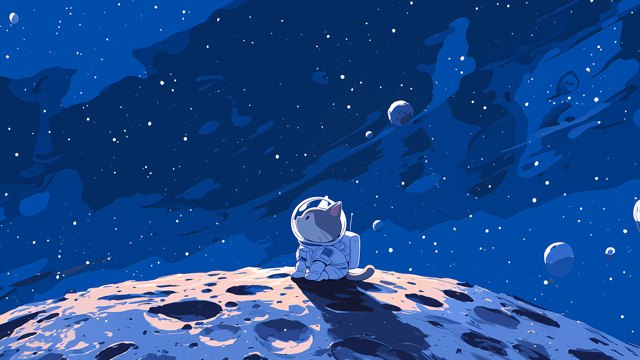
Windows 10 (19045) and Windows 11 · x64 · the sky behind this page is the same scene, running in your browser.

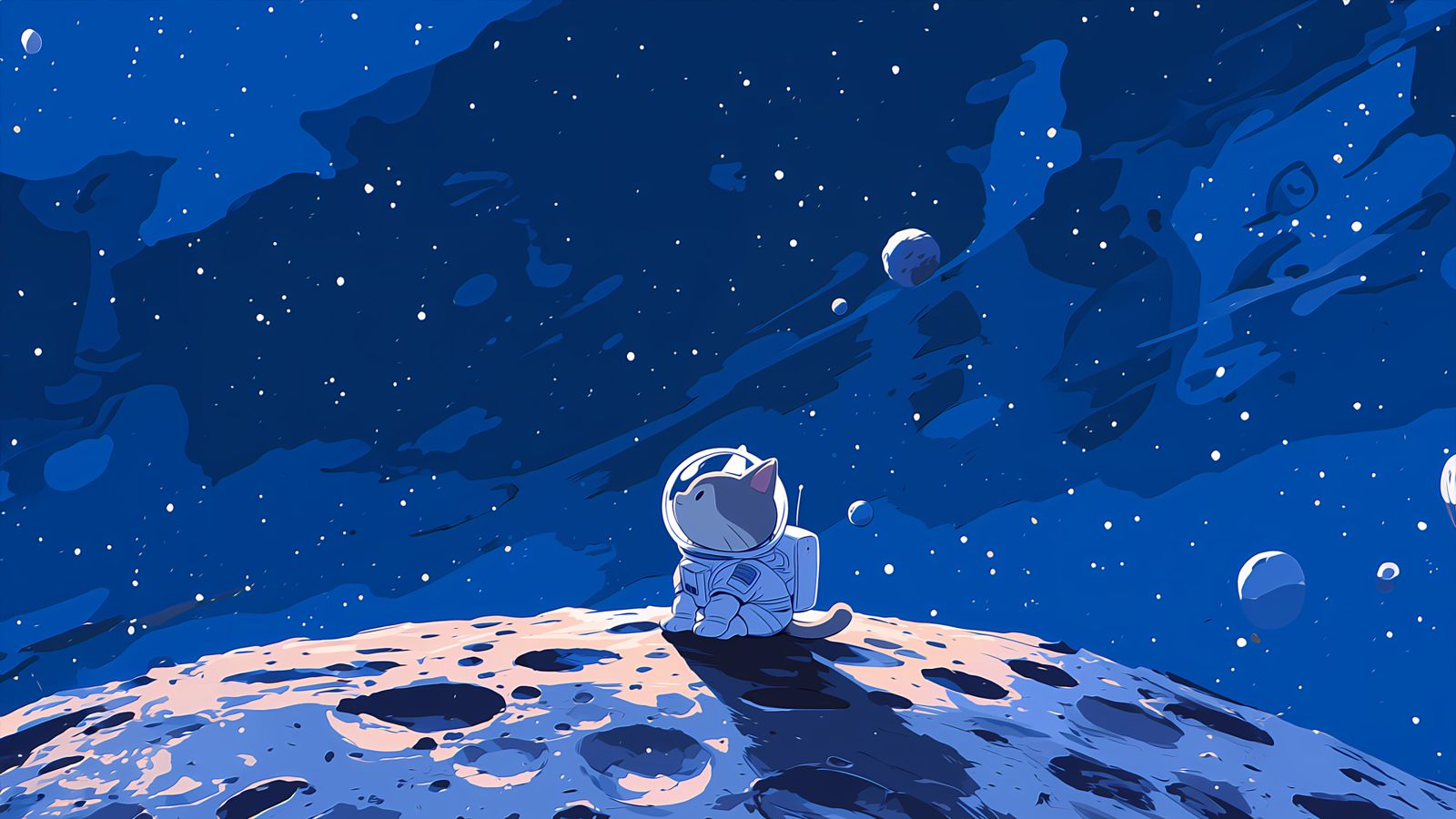
A desktop running Wallmosphere: an astronaut cat on the moon under a deep blue sky, with the Wallmosphere bar along the bottom.

Three tables in one file

A theme is a folder with a theme.toml in it. Each table takes over one part of the desktop, and you can use as few of them as you like.

[wallpaper]

A shader, not a video

The scene compiles once and runs on the GPU: stars that twinkle, a streak across the sky every fourteen seconds, light that leans when you move the mouse. It falls back to the still image, and pauses on fullscreen and on battery.

[bar]

A taskbar you can read

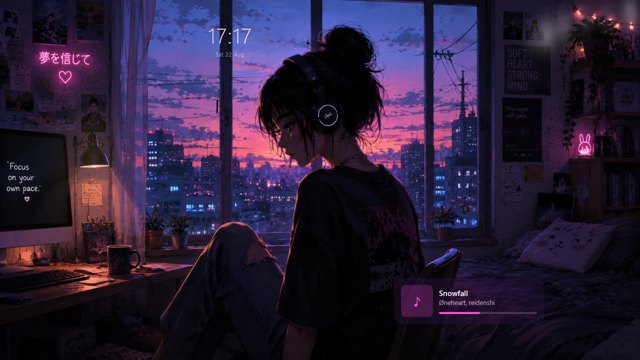
The Windows taskbar is hidden and a pill takes its place: running windows with live thumbnails, a search box, the tray, and a clock in whatever format you write. It registers as an AppBar, so maximised windows stop where it starts.

[cursor]

Cursors that answer

A whole cursor set is generated from three colours, and a click leaves something behind — a ring, a spark, a shockwave, or a burst of confetti in the theme's own palette. The right button always keeps the ring.

It costs almost nothing

The whole app — wallpaper, bar and cursors running together — measured against a browser-based wallpaper engine doing the same job.

Read the authoring guide
0%
of one CPU core

Everything at once, at 60 fps. The bar alone is 0.3 %.

0ms
per frame on the GPU

One fullscreen fragment shader, timed with --bench.

0MB
resident, all of it

A wallpaper that embeds Chromium needs 300 to 800 MB.

0fps
while a game is running

The wallpaper stops on fullscreen, on battery, and when the screen locks.

Measured on Windows 10 22H2, 20 logical cores, RTX 5070 Ti, 1920×1080.

Themes people published

Install one from the browser and the app picks it up. Nothing to unzip.

All 2 themes

Make one yourself

A theme is a TOML file, a 16:9 image and an optional fragment shader. That is the whole format.

Studio

Tune it while it runs

The desktop app carries an editor. Drop in a wallpaper, move the sliders your shader exposes and watch the change land on the live desktop, then publish to the catalogue with a token from your account.

See the format
AI

Or describe the sky you want

The authoring guide is written to be pasted into a model: it defines the uniform block, the helper functions in scope and the cost budget per pixel. Lint whatever comes back before you install it.

Read the guide